 5.9/10
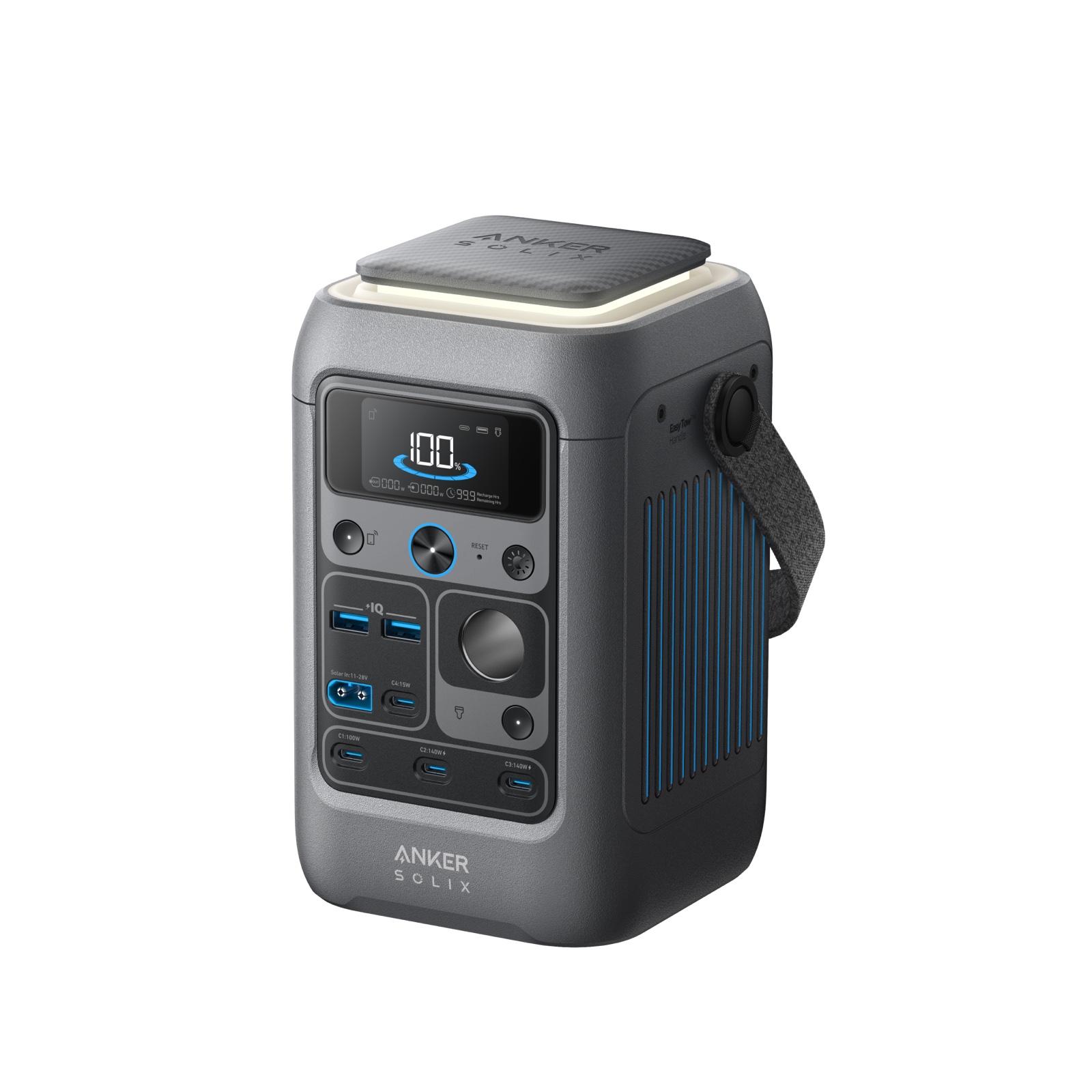
C300 DC Anker SOLIX C300 DC
288 WhCapacity6.2 lb (2.8 kg)WeightNo UPS functionUPS switchover
A laptop draws 30 W to 100 W while working and charging, so a battery gives plenty of hours. The number that matters is different here: charging over USB-C skips the inverter entirely, which removes the conversion loss and the inverter's idle draw. A quarter kilowatt hour station covers a working day of ordinary use, and a one kilowatt hour unit covers a week of top ups.
PowerStationFacts takes part in the Amazon Services LLC Associates Program. When you buy through a link on this page we may earn a commission, and the price you pay does not change.
Everything else on this site is an argument about inverters. A laptop is the exception, because most current machines charge over USB-C Power Delivery, and a power station's USB-C port feeds them straight from the battery with no conversion to mains and back.
That is worth roughly the 15% the inverter costs elsewhere, plus the inverter's standing idle consumption, which on a load this small is a meaningful share of the total. It also means the AC side of the station can stay switched off, which is the quietest and most efficient way to run one of these units for a working day.
The requirement is that the port's rating meets what your machine asks for. A thin ultraportable is satisfied by a modest port. A large workstation laptop with a discrete graphics chip wants a full power charger and will charge slowly, or refuse to charge while working hard, from anything smaller. Check the wattage printed on your own charger against the port specification on the station, and use a cable rated for that power.
The tables below use the site's standard loads and the AC assumption, so treat the laptop row as the conservative case: charging the same machine over USB-C does better than the table suggests, because nothing is lost to the inverter.
| Appliance | Typical draw | Estimated run time |
|---|---|---|
| Fridge | 120 W | 5 h 50 min |
| CPAP machine | 45 W | 5 h 26 min |
| Router and modem | 15 W | 16 h 19 min |
| Television | 90 W | 2 h 43 min |
| Microwave | 1200 W | 0 h 12 min |
| Appliance | Typical draw | Estimated run time |
|---|---|---|
| Fridge | 120 W | 20 h 43 min |
| CPAP machine | 45 W | 19 h 21 min |
| Router and modem | 15 W | 58 h 2 min |
| Television | 90 W | 9 h 40 min |
| Microwave | 1200 W | 0 h 44 min |
In practical terms: a pocket sized station is a day of remote work or several full charges of an ultraportable. A one kilowatt hour station is a week of a normal working pattern, or a long outage during which the laptop is the least of your worries. Adjust for your own machine on the run time calculator.
Two units in this catalogue have no AC output whatsoever. On almost every other page that rules them out immediately. Here it makes them interesting.
Anker SOLIX C300 DC weighs 6.2 lb (2.8 kg) against 288 Wh of capacity, and Anker SOLIX C200 DC weighs 4.2 lb (1.9 kg) against 192 Wh. Removing the inverter removes weight, bulk and standby losses, and for a bag that carries a laptop, a phone and a pair of headphones there is nothing left to miss.
The catch is the obvious one. No socket means no camera battery charger with a mains plug, no small appliance, and no option to improvise. If the laptop is genuinely the whole job, that is a good trade. If it is not, buy an inverter you will use.
5.9/10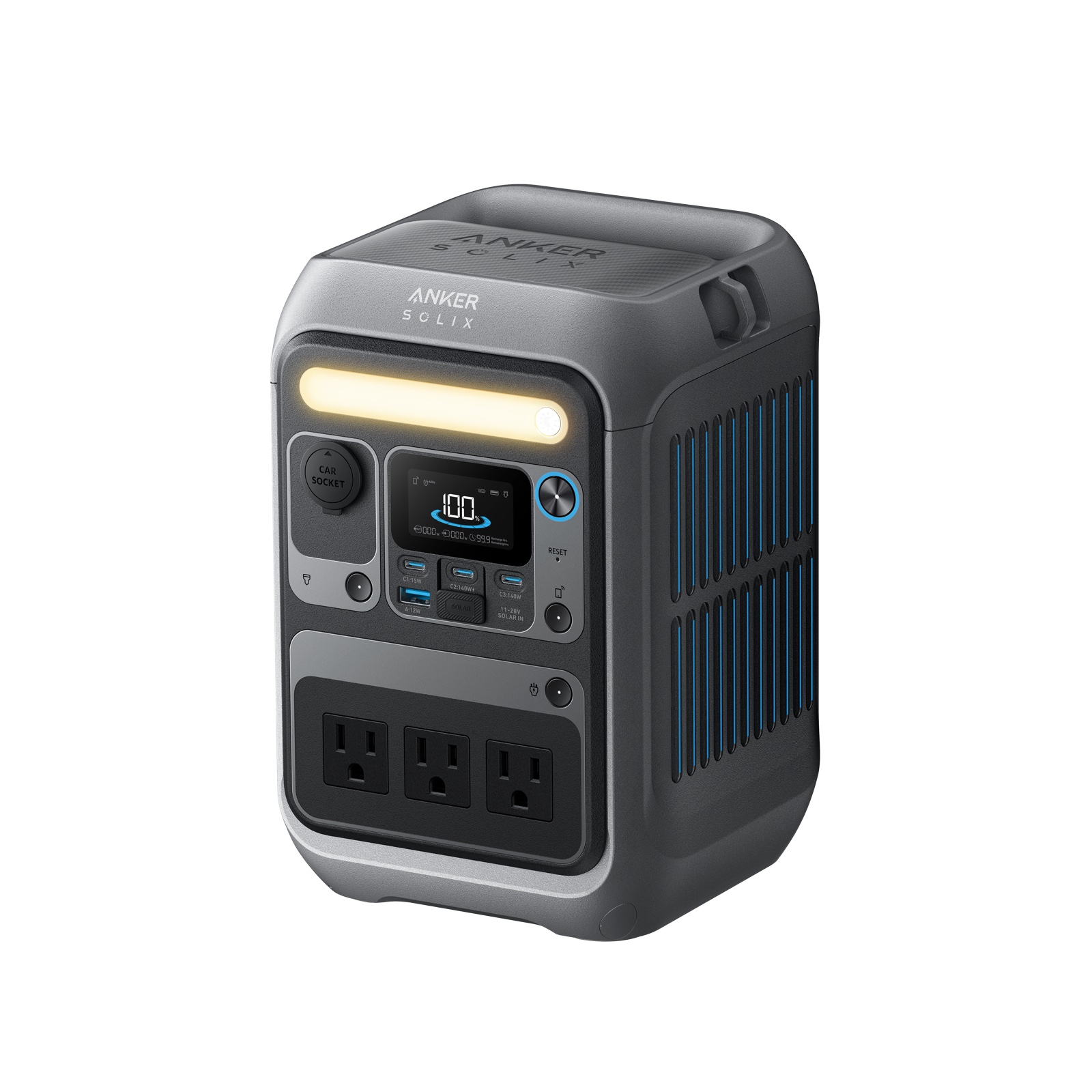 4.7/10
 7.0/10
Anker SOLIX C300 DC is the purest version of the idea: 288 Wh in 6.2 lb (2.8 kg), USB-C in and out, no inverter to power. The direct comparison with its socketed sibling is on C300 against C300 DC.
Anker SOLIX C300 keeps the same capacity and adds mains sockets rated 300 W plus 10 ms switchover, which turns a laptop bag battery into a small desk backup that also protects the router and modem.
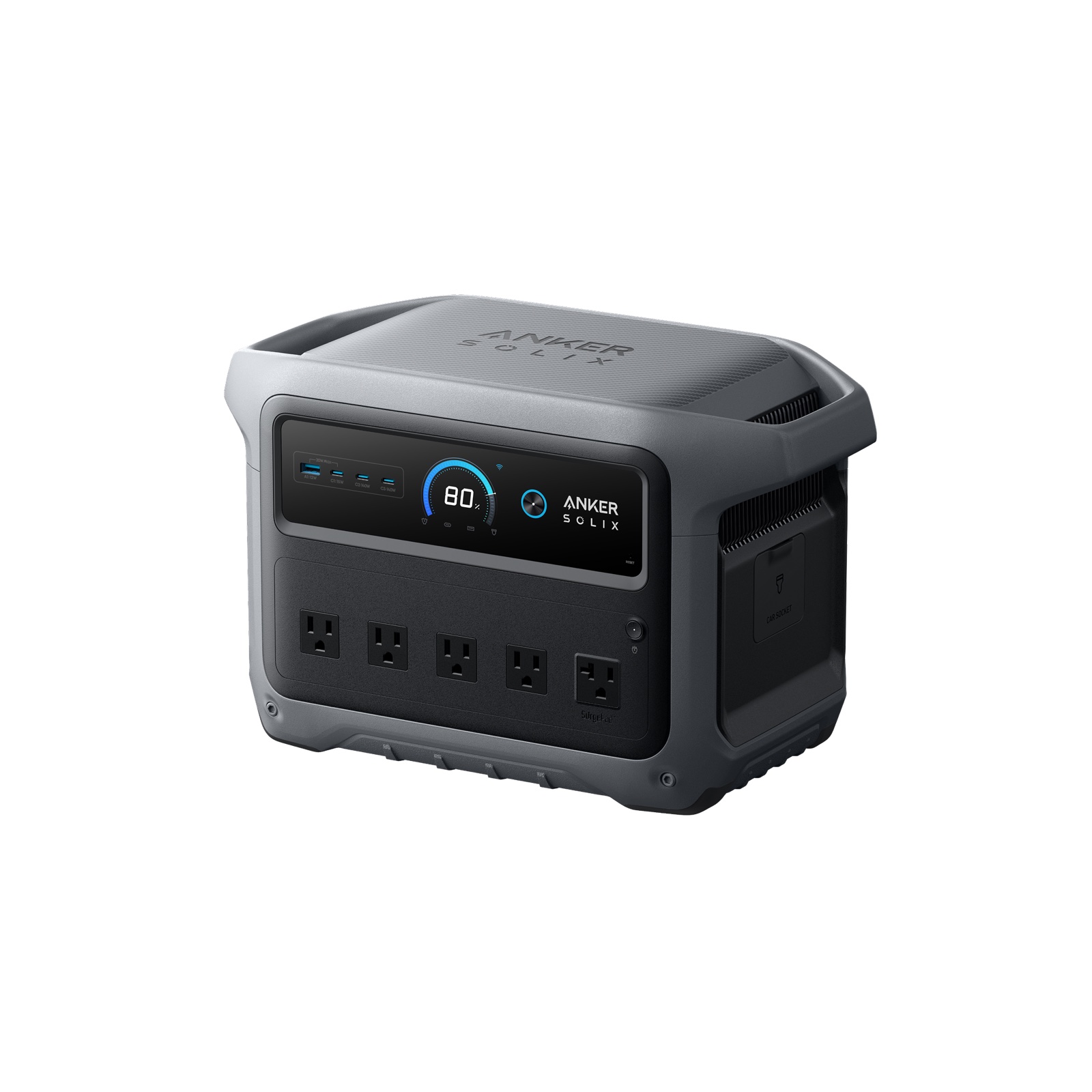
Anker SOLIX C1000 Gen 2 is the home office answer: 1,024 Wh, 2,000 W for the monitor and the printer as well, 10 ms switchover so nothing on the desk reboots, and a wall recharge of 49 minutes.
The 30 W to 100 W range here is a common starting point. Your charger's own rating is a better one, and it is printed on the brick. Remember that the rating is a maximum: a laptop doing email draws a fraction of it, and the same laptop compiling code or editing video sits near the top for as long as the work lasts.
That variability is why charge counting beats wattage counting. Charge the machine from empty off the station once, note how much of the station it consumed, and you have a figure that already includes your charger, your cable and your own workload. Everything else on this page is an approximation of that one measurement.
Divide the station's usable capacity by your laptop battery's watt hour rating, which is printed on the battery or in the system information. Charging over USB-C avoids the inverter loss, so the real count is close to the arithmetic. Expect a pocket sized unit to give several full charges of an ultraportable.
Yes, on two counts. It avoids the conversion from battery to mains and back, which this site assumes costs 15%, and it lets you leave the inverter switched off so it is not drawing idle power alongside your laptop. Use the socket only when the machine has no USB-C charging option.
If the USB-C port's rating meets what the machine's own charger supplies, yes. Below that it may charge slowly, charge only while idle, or refuse. The mains socket remains the fallback for machines with a proprietary barrel connector, at the cost of the inverter loss.
Yes, these units pass through. A laptop is a small enough load that a modest panel in good light can cover it outright, which makes a working day outdoors genuinely self sufficient. Cloud and panel angle decide whether the battery is topping up or slowly draining underneath you.
Considerably, because an external display is usually a mains appliance in the same class as a television and it brings the inverter back into play. A laptop alone is a USB-C load; a laptop plus a monitor is a desk, and should be sized like one.