 4.7/10
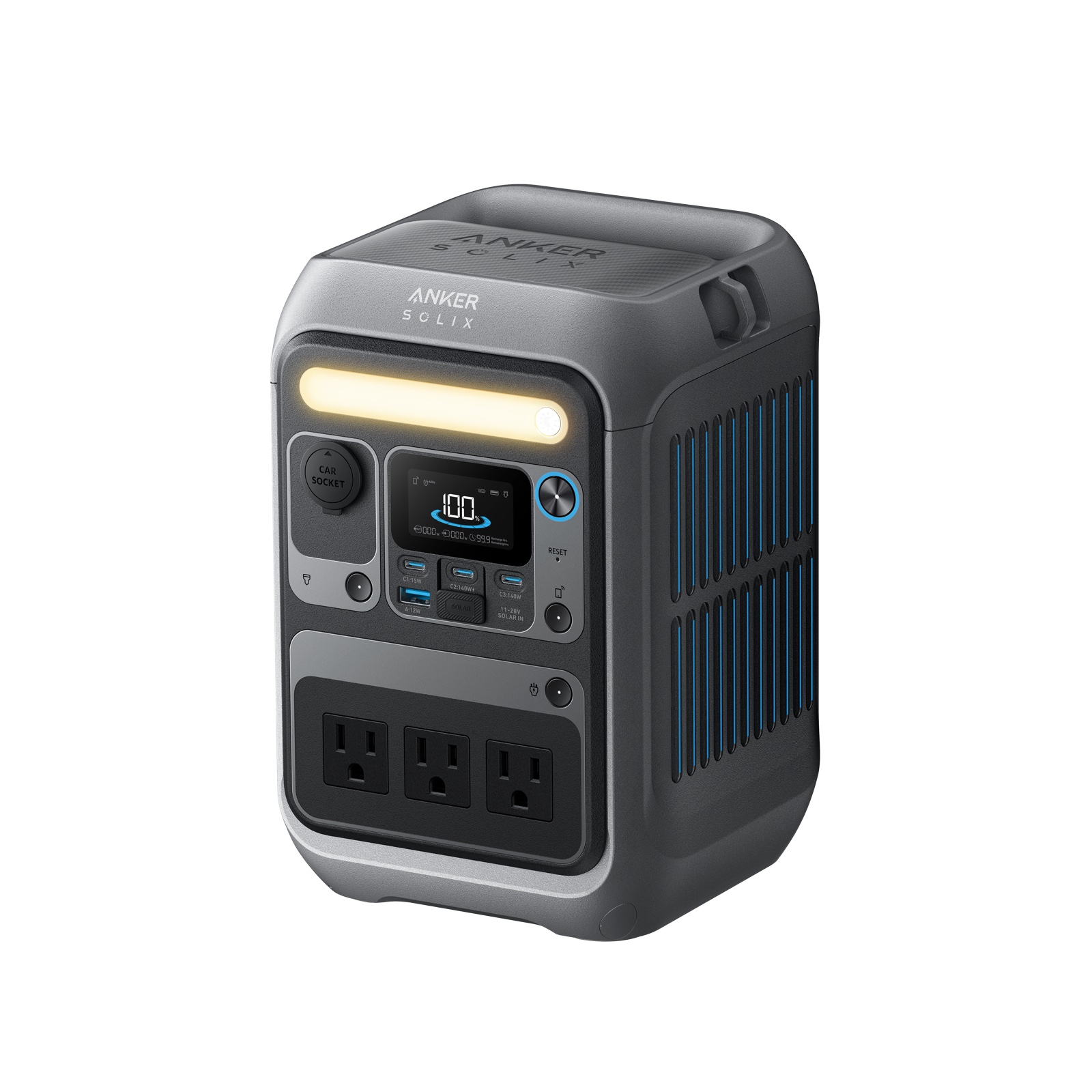
C300 Anker SOLIX C300
288 WhCapacity300 WAC output9.1 lb (4.1 kg)Weight10 msUPS switchover
A router and modem together draw 8 W to 25 W continuously, which is trivial for any station with a socket. A unit in the quarter kilowatt hour class keeps a small setup online for most of a working day, and a one kilowatt hour unit runs it for days. The real question is not capacity: it is how fast the station takes over when the mains drops, and how much its inverter wastes doing nothing.
PowerStationFacts takes part in the Amazon Services LLC Associates Program. When you buy through a link on this page we may earn a commission, and the price you pay does not change.
This site uses 15 W as a standing figure for a router and modem pair, in a range of 8 W to 25 W. A mesh system with several nodes, a separate fibre terminal, a network switch and a small home server will push you towards the top of that range and past it, so count every box on the shelf rather than just the router.
At 15 W, capacity stops being the constraint almost immediately. Even a small station covers a full working day of connectivity. That is why this page spends its time on two things that barely matter elsewhere: standby losses and switchover.
An inverter that is switched on draws power to stay ready even with nothing plugged into it. On most units that is a few watts. Against a 1,500 W heater it is a rounding error. Against a 15 W router it can be a third of the total, and it is the difference between a station lasting a day and lasting a day and a half.
Three ways to avoid paying it. Run the gear from the station's DC side where the hardware allows, since most routers and modems are 12 V devices with a mains adapter in the cable, and many stations provide a regulated car socket. Choose a unit whose AC side can be switched off independently. And avoid leaving the inverter enabled for a load you are not actually running.
The run time calculator works from the appliance draw alone. For a load this small, add a few watts by hand for the inverter if you plan to use the mains sockets, and read the result as an upper bound.
The router row is the one to read. The contrast with the rest of the table is the point: the same battery that runs a microwave for minutes runs a network for days.
| Appliance | Typical draw | Estimated run time |
|---|---|---|
| Fridge | 120 W | 5 h 50 min |
| CPAP machine | 45 W | 5 h 26 min |
| Router and modem | 15 W | 16 h 19 min |
| Television | 90 W | 2 h 43 min |
| Microwave | 1200 W | 0 h 12 min |
| Appliance | Typical draw | Estimated run time |
|---|---|---|
| Fridge | 120 W | 20 h 43 min |
| CPAP machine | 45 W | 19 h 21 min |
| Router and modem | 15 W | 58 h 2 min |
| Television | 90 W | 9 h 40 min |
| Microwave | 1200 W | 0 h 44 min |
Nothing here is close to a limit. A pocket sized station keeps a home online through the length of a typical outage, and a mid sized one keeps it online long enough that the internet service itself becomes the thing that fails first. That is worth knowing: if the street cabinet or the fibre node has no power either, your battery is holding up equipment with nothing to talk to. A mobile hotspot is the fallback, and it runs from USB.
A network device that loses power for even a moment reboots, and a modem that reboots can take minutes to resynchronise. That is a dropped call, a lost upload and an interrupted working day, none of which capacity fixes.
What fixes it is a UPS function: the station sits between the wall and the gear, passes mains through, and takes over on battery when the mains stops. The figure to compare is the switchover time. EcoFlow DELTA 3 is quoted at 10 ms and Anker SOLIX C1000 Gen 2 at 10 ms, both far inside what a router tolerates. BLUETTI Apex 300 is listed as No break, a design where the load is always fed through the inverter so there is nothing to switch.
Not every unit has the function, and where it is missing the station is a manual solution: you have to notice the outage and plug things in. For a fridge that is an inconvenience. For a video call it is too late.
4.7/10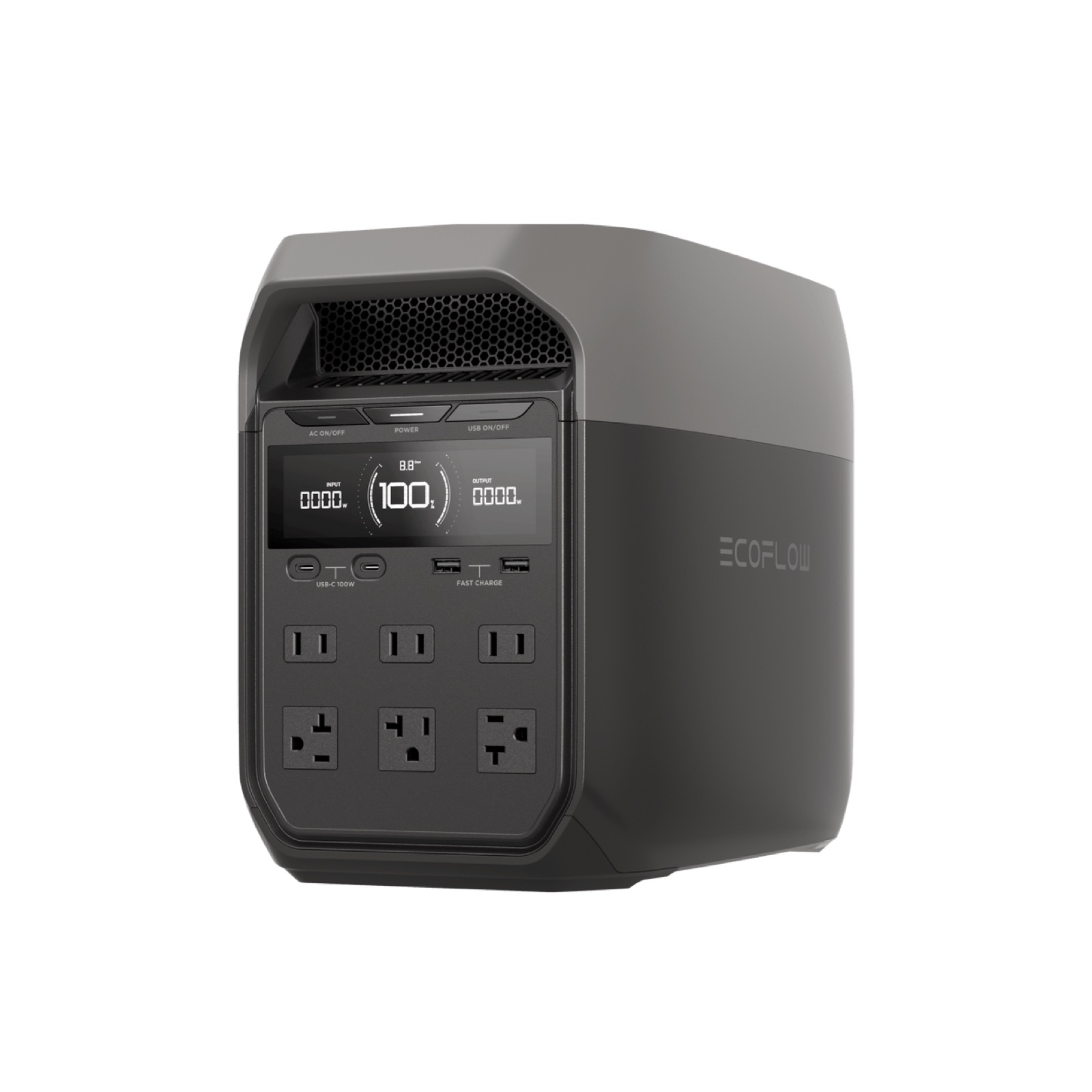
 6.7/10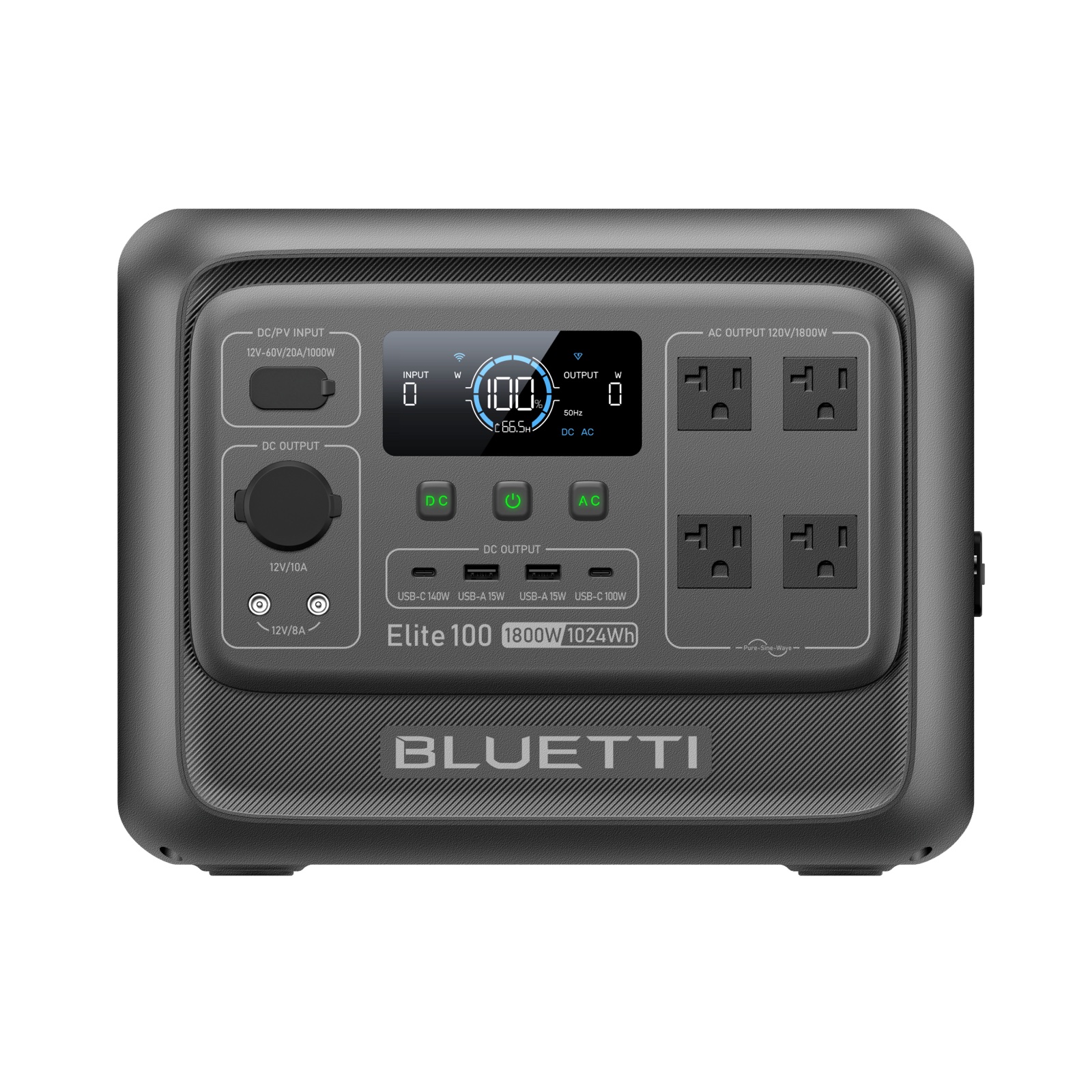
 6.8/10
Anker SOLIX C300 is the desk sized answer: 288 Wh and 9.1 lb (4.1 kg), with 10 ms switchover, which is a remarkable feature at that size. It sits under the router shelf and does one job well.
EcoFlow DELTA 3 is the one to buy if the network is only part of the plan: 1,024 Wh, 1,800 W of output for everything else in an outage, 10 ms switchover and Expandable to 5,000 Wh.
BLUETTI Elite 100 V2 covers the same ground with 4,000 cycles to 80% of rated cell life, which suits a unit that will spend its life plugged in and cycling gently rather than being carried anywhere. Compare it head to head on DELTA 3 against Elite 100 V2.
The 15 W here is a starting point, not a measurement. Every box has a label or a power supply printed with its output, and adding those up takes a minute. A mesh network with three nodes and a fibre terminal is a different appliance from a single combined router, even though both get described as the internet.
If you want the hours rather than the estimate, a cheap plug in energy meter left on the network shelf for a day gives you the figure for your own equipment. That is the measurement this site cannot make for you, and it is the one that makes every number above sharper.
On the 15 W figure used here, a quarter kilowatt hour unit runs a router and modem for most of a working day and a one kilowatt hour unit runs them for days. Networking gear is the easiest load on this site. Count every box on the shelf, because mesh nodes and fibre terminals add up.
Only if the station cannot take over fast enough. A unit with a UPS function switches to battery in milliseconds and the gear never notices. Without that function you are plugging cables in after the fact, and a modem that has rebooted may take several minutes to come back online.
Where the hardware allows it, yes. Most routers and modems run on 12 V and the mains adapter is simply a converter. Feeding them from the station's regulated car socket avoids both the inverter conversion loss and the inverter's idle draw. Use the maker's own adapter and match the voltage and connector exactly.
No, and that is worth planning for. If the outage has taken out the street equipment, powering your own router keeps a local network alive but not a connection. A mobile hotspot charged from the same station is the realistic fallback, and it costs almost nothing to run.
Easily, and it should. A laptop charged over USB-C skips the inverter entirely, so it is one of the cheapest things a station can do. The arithmetic is on the laptop page.